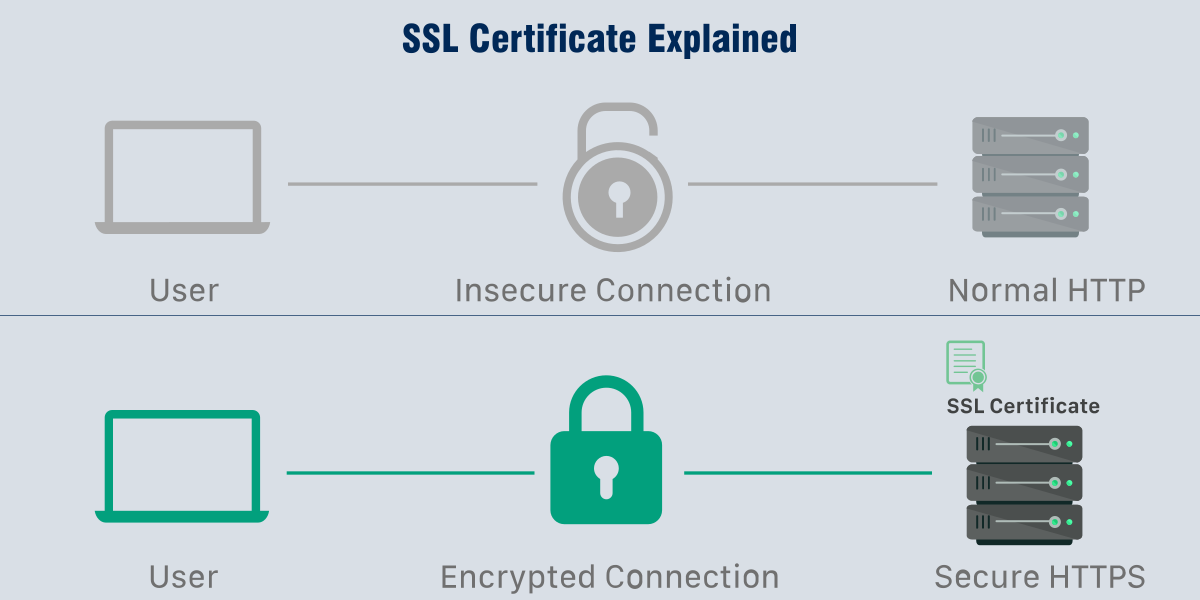
This file is a trusted security certificate from The Gregory School’s network. When installed on your laptop, it tells your web browser that our school’s secure network is safe and trusted.
-
Why you need it:
Without this certificate, your browser may show warnings that “This connection is not private”, “Potential Security Risk Ahead” or a similar messages when you use the school Wi-Fi. Installing the certificate prevents those warnings and helps websites load normally.
-
What it does:
It allows the school’s security system to scan for viruses and harmful content while keeping your information protected.
-
Is it safe?
Yes. This certificate only helps your device trust the school’s network. It does not give the school access to your personal files, passwords, or data.
-
Who should install it:
Anyone who connects to our campus Wi-Fi on a personal laptop or device.
-
How long it lasts:
Once installed, the certificate will remain trusted until you remove it
-
How to install:
- Download the school security certificate file.
- Double-click the file to open it.
- Follow the on-screen steps to install the certificate.
- If asked, enter your computer’s administrator password.